eNews newsletter
Born 2005, still going strong
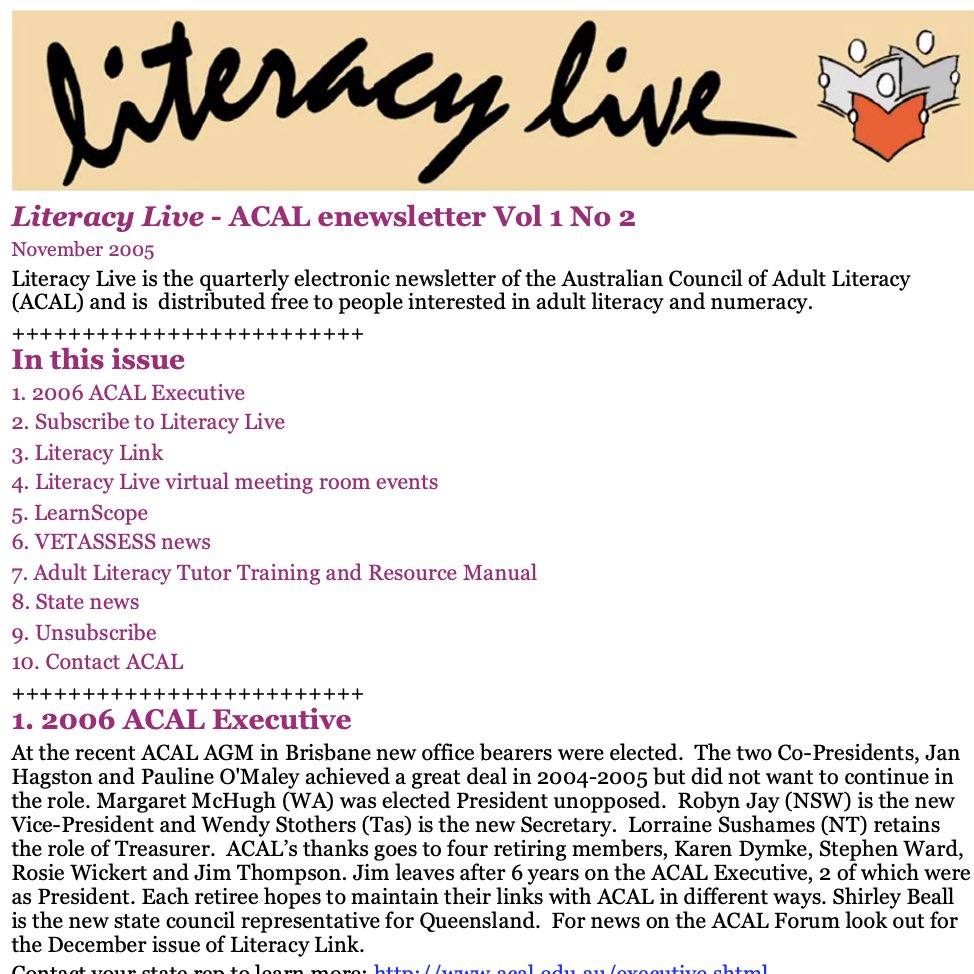
eNews No. 2 2005*
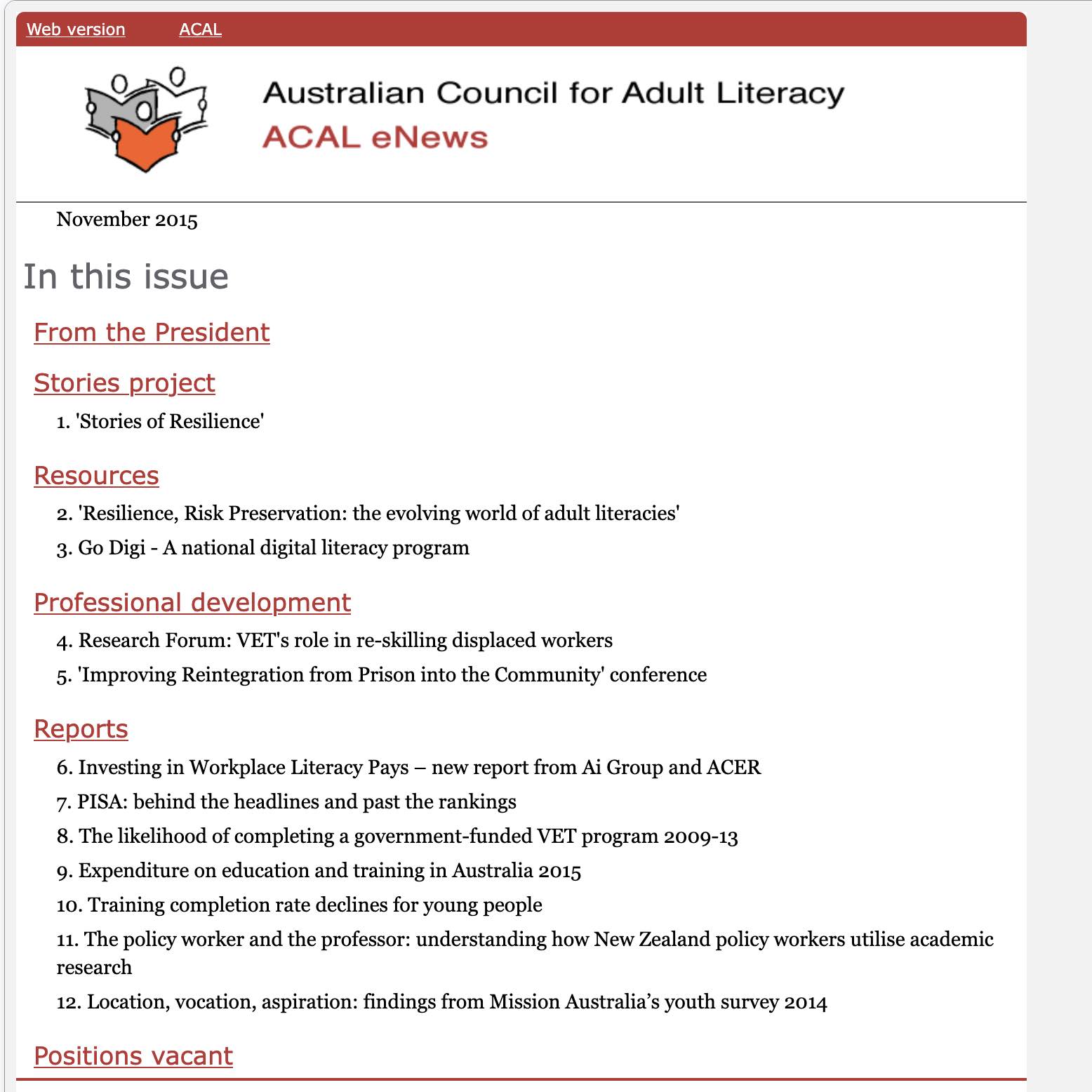
eNews 2015
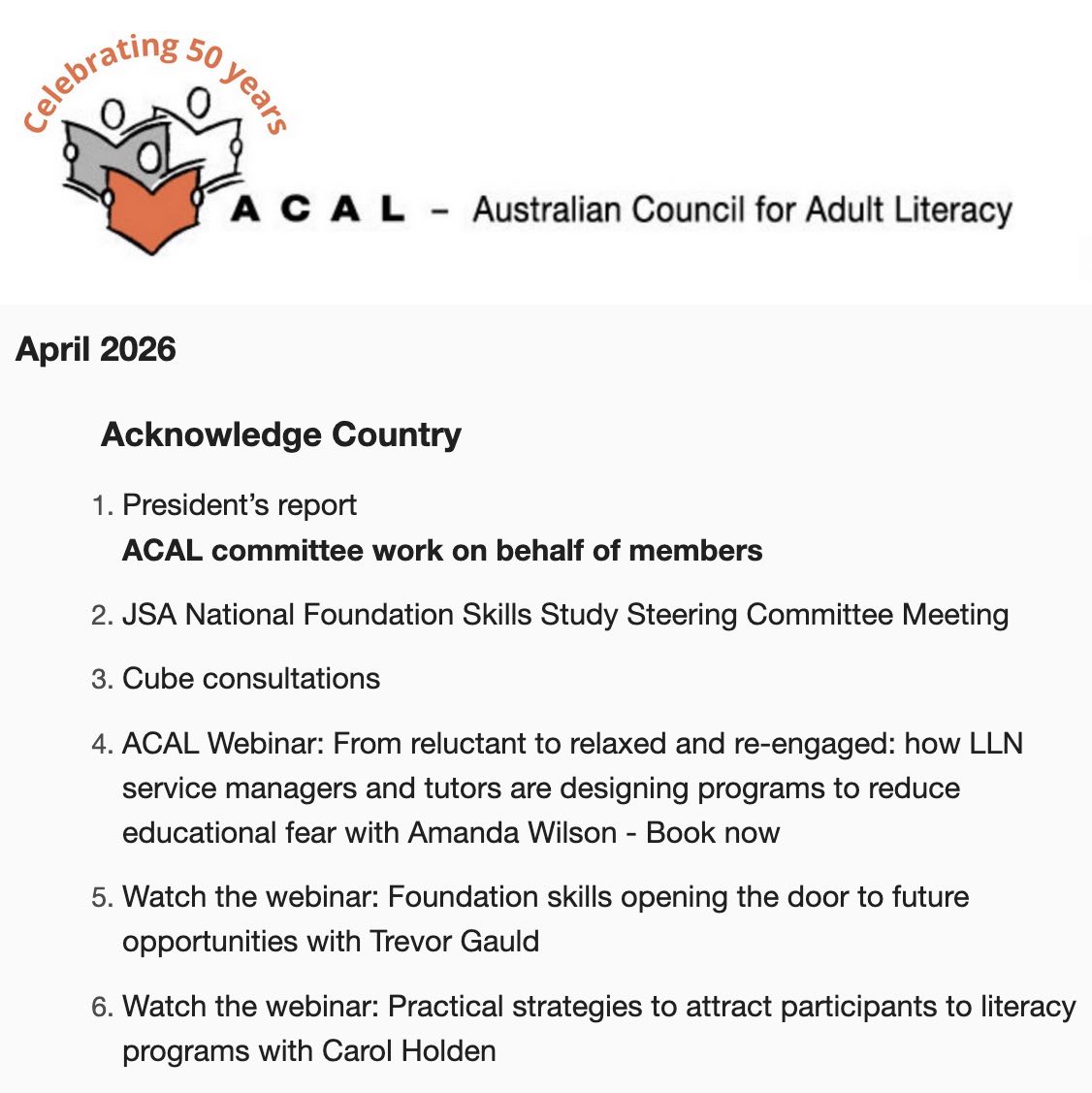
eNews 2026
ACAL’s monthly newsletter (technically eNews) appears in your inbox by magic** (actually it’s a combination of preparation, collation, persistence, checking, typing, image work and technology). The magicians at the moment are Jo Medlin (President) and Estelle O’Callaghan (Executive Support) aided by some committee members. But AI is not used!
You get topical and local literacy news, big picture issues, government to-and-froing and the occasional quirky bits plus ACAL events and committee action. You’ve probably come to expect it (and rightly so).
We’ve been sending out eNews since 2005 – initially no pics, nothing fancy just regular text to suit the limits of our computers, later as a PDF. Also at this time there were heavy limits on the number of bulk emails we could send before triggering spam issues. So we sent them out in batches over the period of a couple of hours. Now we use Mailchimp (phew!)
** “Any sufficiently advanced technology is indistinguishable from magic.” Arthur C Clark
*What’s in a name?
Immediately we struggled with a name, initially calling it ‘Literacy Live’ after a short, overly ambitious online forum using a private chat room, long before ACAL and member setups could really handle it.
Format tussle
Back in 2005 we had to select a format that would work for MOST people, on MOST computers, MOST of the time. This was a major issue then when we had different functioning browers, often very limited download speeds/capacity and blunt virus protection.
Your browser (Firefox or Safari) interprets the code behind what displays on your screen and we take it for granted. It’s difficult now to recall how inconsistent the browsers were (dubbed the ‘browser wars‘) with Netscape Navigator displaying something different from Internet Explorer or Yahoo and the limitations of various personal computers. Keep It Simple (KISS) was the the byword for the layout of newsletters and websites. The following extract shows what we considered back then.
From the eNews planning document 2005
There are several possible formats (some variation exists because of personal settings, etc.), The ones I’m familiar with are:
- simple text – the very basic text that an ordinary email looks like – easy to use, able to be read by everyone, boring, difficult to show emphasis has live links; small size (KB).
- html text – this is turned on within your email program – can use colours, different font size, can show emphasis, no graphics, like eVALBEC; small size (KB)
- complex html – looks like a web page but may be difficult to pass on to other organisations to forward, not always passed by institution virus scanners.
- attachment, probably pdf – can show emphasis, colour, include graphics; size depends on graphics, etc., tendency is to make it too many KB.